
What Is a Tuscola County Court Docket
A docket is a chronological list of the events and filings in a case. It records each hearing, motion, order, and entry in the order they happen, so a reader can follow a case from the first filing to the final judgment. In the courtroom sense, the daily docket is the schedule of matters set before a judge on a given day, with a line for each case.
A docket is not the full case file. It tells you that a hearing happened or is set, but it does not hand you the motion, the exhibit, or the signed order behind that entry. Those live in the court file with the clerk. The daily calendar view is even lighter: it shows who is on the schedule, at what time, and for what kind of hearing, and it strips out private identifiers. For the documents themselves, a records request or a counter visit is the next step.
Each of the county's courts keeps its own docket. The 54th Circuit Court logs felony and higher-value civil matters. The 71B District Court logs misdemeanors, traffic, small claims, and lower-value civil cases. The Probate Court logs estates, guardianships, and mental health matters. A hearing type on the calendar signals where a case stands. An arraignment sits early, a preliminary examination decides whether a felony moves up, and a sentencing or review comes near the end. Reading those labels turns a plain list into a timeline.
How to Read the Tuscola County Daily Docket
The clearest public docket in the county is the 71B District Court Court Display, part of Michigan's MiCOURT system. It shows the judge, the date, and the day's scheduled matters. Reading it in order keeps the columns from blurring together.
- Open the 71B District Court Court Display and confirm the judge and the date. The page defaults to today's calendar, so change the date if you need another day.
- Scan the Party Name column to find the person or business you are tracking. Names are how the daily list is organized.
- Read across to the Time and Hearing Info columns to see when the matter is set and what kind of hearing it is, such as arraignment, review, or sentencing.
- Note the Case Number and, for criminal matters, the CTN. You will need these to pull the full file or to call the court about the case.
The daily display works best for near-term dates. It is a snapshot of what is scheduled, so it will not show a case that has closed or one whose next hearing is far off. If a name is missing, the matter may be in another court, set on a different day, or already resolved. Widening the date range or switching to a case-number search usually clears that up.
For a full case history rather than a single day's calendar, MiCOURT Case Search and the court counter are the better tools. The Tuscola County court records page covers that broader search in depth.
Inside the 71B District Court Docket
The district court display is a schedule view, not a document portal. It shows a fixed set of columns and does not expose downloadable pleadings, financial totals, or private identifiers like dates of birth and Social Security numbers. That keeps the public calendar useful for hearing lookups while protecting sensitive data. The table below maps each visible field to its meaning.
| Field | What It Shows |
|---|---|
| Party Name | The person or business scheduled for the hearing. |
| Time | The hearing time set for that matter. |
| Hearing Info | The hearing type or details, such as arraignment or review. |
| Case Number | The court's file identifier for the case. |
| CTN | The criminal tracking number for applicable criminal matters. |
The display also names the judge, Hon. Jason E. Bitzer, and defaults to the current date with a print option. It is built for hearing and docket lookup, not as a substitute for a complete case-file request.
The columns follow the flow of a court day. A clerk calls the party, the judge takes the matter at its set time, and the hearing type frames what will happen. Because the list carries no bond totals, no fines, and no scanned filings, it stays safe to publish for anyone to read. When a name matches, the case number is the anchor for any follow-up, since two people can share a name but not a case number.
Courts That Publish Tuscola County Dockets
The county's three trial courts each keep dockets, but they do not all expose the same public calendar. The 71B District Court offers the clearest online daily display. The 54th Circuit Court and the Probate Court publish docket and calendar information through their own court pages and through MiCOURT case lookups. Michigan's statewide overview of trial courts explains how these levels fit together.
The Michigan Courts trial-court overview describes the circuit, district, and probate courts and how each one carries its own caseload and calendar.
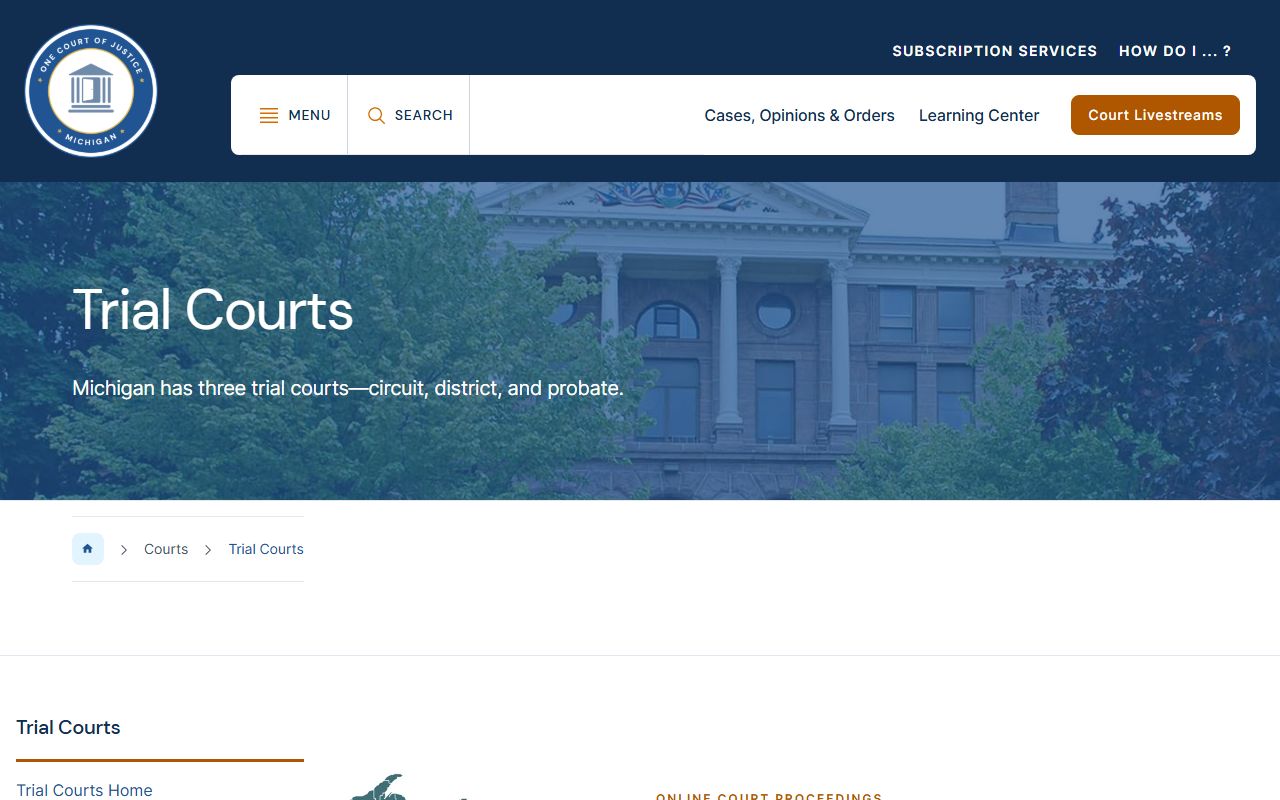
That structure is why a single docket search will not always cover every Tuscola case; the court that owns the matter is the one that publishes its calendar.
- 71B District Court: public daily Court Display with party, time, hearing, case number, and CTN.
- 54th Circuit Court: felony and higher-value civil dockets, with calendar access through its court page and MiCOURT.
- Probate Court: estate, guardianship, and mental health calendars, with scheduling handled by the probate office.
Knowing this split saves time. A person tracking a drunk-driving misdemeanor looks to the district court display, while someone following a felony after bindover looks to the circuit court. A family checking on a guardianship turns to probate. When a case has moved between levels, its calendar entries move with it, so the current hearing may sit in a different court than the one where the case began. Start with the court that fits the case type, then widen the search only if the matter does not appear.
Docket vs. Full Case File
Confusing the docket with the file is the most common misstep. The docket is the index and the calendar. The full case file is the stack of actual documents behind it. A docket entry might read that a motion was filed and later granted, but only the file holds the motion text and the signed order. Knowing which one you need saves a wasted trip or a wasted fee.
| Docket | Full Case File | |
|---|---|---|
| Format | List of entries and hearings | Full documents and exhibits |
| Access | Often online and free | May require a request, fee, or visit |
| Use | Track case progress and hearing dates | Legal review, evidence, certified copies |
Beyond the county courts, some appellate opinions and federal dockets are searchable on free public tools. CourtListener offers free docket and opinion searching, though it is not an official Michigan court-record source and should be verified against the court that entered the case.
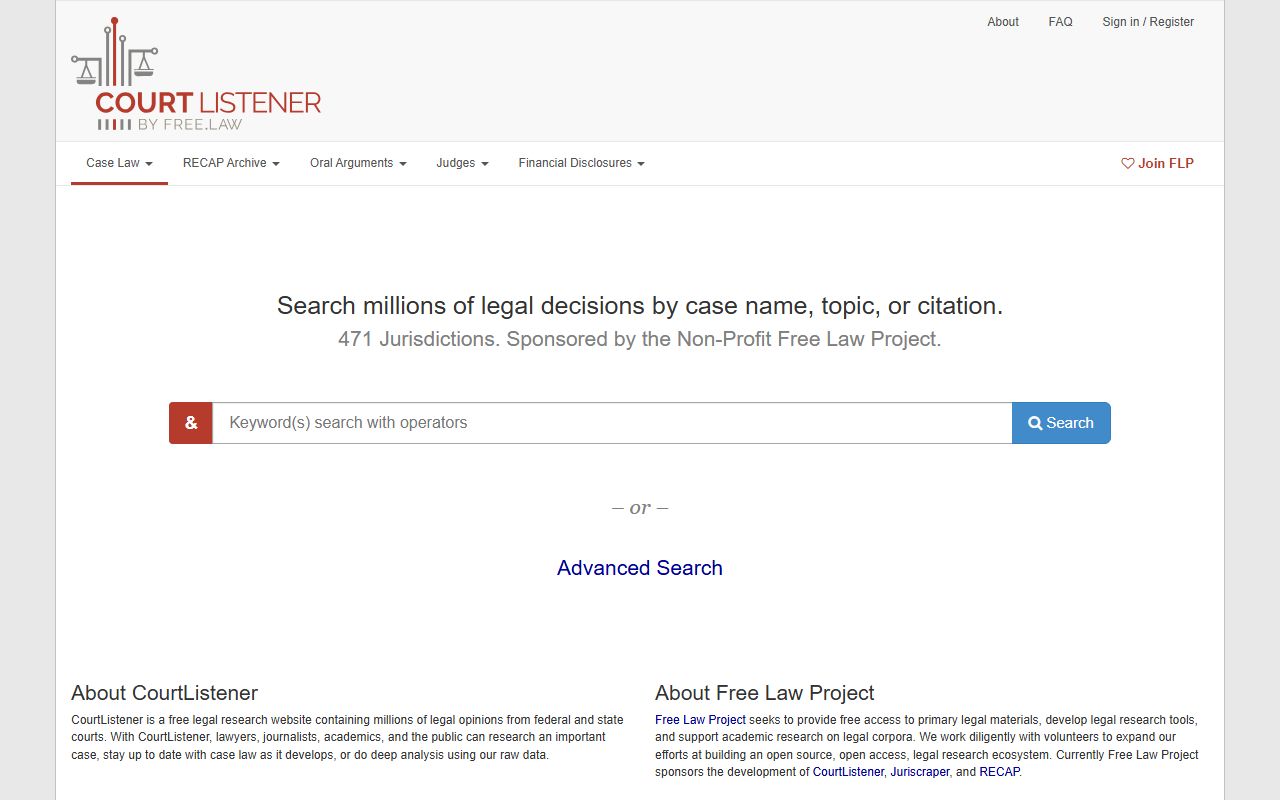
For Tuscola trial-court matters, though, MiCOURT and the county court offices remain the authoritative places to confirm a docket entry.
What a CTN Means on a Docket
The CTN, or criminal tracking number, is one of the most useful codes on a Tuscola docket. It is a statewide identifier assigned to a criminal matter, and it follows the case as it moves between courts. A felony that starts in the 71B District Court for its early stages and then binds over to the 54th Circuit Court keeps its tracking thread through the CTN, even when the local case number changes.
The regular case number is the court's own file label. Both appear on the district court display, and both are worth writing down. When you call the court about a matter, staff can find it faster with either number in hand. For criminal cases, the CTN also helps line up the district-court and circuit-court records for the same defendant.
Hearing labels are the other code worth learning. An arraignment is where charges are read and a bond may be set. A probable-cause conference and a preliminary examination are district-court steps in many felony cases. A review or show-cause hearing checks compliance with an order. On the civil side, entries can mark motions, pretrials, and settlement conferences. Each label on the docket points to a stage, so a quick read of the Hearing Info column often tells you how far a case has traveled.
Note: A public docket display does not show dates of birth, Social Security numbers, or driver license numbers, so confirm identity with the court before acting on a match.
Watching Tuscola County Court Hearings
Michigan courts have moved much of their public calendar and access online. The 54th Circuit Court, the 71B District Court, and the magistrate maintain YouTube channels that carry proceedings, which lets the public observe open hearings without traveling to Caro. The circuit and district court pages also link a Request for Remote Participation Form for people who need to appear by video rather than in person.
A remote request form is not automatic permission to appear remotely. The court decides whether a given hearing can be attended by video, and the judge sets the terms. Anyone planning to participate rather than just watch should file the request early and follow the court's instructions.
When a docket entry is unclear, or a hearing date does not appear where you expect it, the assignment clerk is the right call. For the 54th Circuit Court, the assignment clerk answers at 989-673-3330 and can confirm scheduling, adjournments, and which courtroom a matter is set for. District traffic and criminal scheduling questions can route through the magistrate's office at 989-672-3790.
Call the assignment clerk before you rely on a docket date for anything that matters. Hearings get adjourned, moved, or reset, and the online calendar reflects the current schedule rather than a promise. If you plan to attend, arrive early and confirm the room. If you plan to watch remotely, check the court's YouTube channel for the right stream. A short call up front saves a wasted trip to Caro and keeps a case-tracking effort on solid ground.