
How to Search Tuscola County Traffic Court Records
Traffic cases in Tuscola County run through the 71B District Court. The main public search tool is MiCOURT Case Search, the statewide system that can show traffic, civil, criminal, and other case types depending on the court. A person can look up a case by name or by case number and see whether a matter is open, paid, dismissed, or closed.
Before starting, gather the ticket. The citation number, the driver's name, and the violation date make a search faster and more accurate. For hearing dates, the 71B District Court also runs a public Court Display that lists party name, time, hearing information, case number, and the criminal tracking number.
- Open MiCOURT Case Search and choose the 71B District Court for Tuscola County.
- Enter the citation or case number, or search by the driver's last and first name.
- Narrow the results by court or by date if the system offers those filters.
- Review the case details, including the charge, hearing date, and any disposition.
- Pay online, contact the court to contest, or ask the clerk for a certified copy.
Note: MiCOURT shows the court case, not the state driving record, so a paid ticket and a clean license status are confirmed in two different places.
Which Courts Handle Traffic Cases in Tuscola County
The 71B District Court is the county's limited-jurisdiction trial court. It handles traffic tickets, civil infractions, misdemeanor criminal matters, landlord-tenant disputes, small claims, and civil cases up to $25,000. Nearly every routine traffic matter in Tuscola County starts and ends there.
More serious traffic misdemeanors still run through the district court but follow the criminal track. The court explains that traffic misdemeanors are criminal offenses, may carry higher fines, may require fingerprints, and may involve jail time. Those must be addressed at the Magistrate's Office. The magistrate also handles fine amounts and many payable matters.
| Court | Traffic Cases Handled | Address |
|---|---|---|
| 71B District Court | Civil infractions, payable misdemeanors, and traffic misdemeanors | 440 N State St, Caro, MI 48723 |
| 71B District Court Magistrate | Fine amounts, unlisted violations, and many payable matters | 440 N State St, Caro, MI 48723 |
| 54th Circuit Court | Appeals and felony matters tied to serious driving offenses | 440 N State St, Caro, MI 48723 |
Types of Tuscola County Traffic Cases
Not every ticket is treated the same way. The category controls the fine, the deadline, and whether a court appearance is required. Tuscola County traffic records fall into a few clear groups.
- Civil infractions - the most common tickets, such as speeding or a signal violation, which are paid or contested within a set deadline.
- Payable misdemeanors - lower-level offenses a clerk or magistrate can accept payment on before the due date.
- Traffic misdemeanors - criminal offenses that may require arraignment, fingerprints, or jail exposure and are handled at the Magistrate's Office.
- Parking and non-moving violations - local tickets such as parking that carry a fixed fine without license points.
- Equipment and registration tickets - defective-equipment or plate violations that can be reduced or waived when fixed within the deadline.
Note: Some misdemeanor driving charges are filed by the Prosecuting Attorney rather than written as a ticket, so not every offense appears as a simple citation.
What Tuscola County Traffic Court Records Show
A traffic court record documents the life of a citation. It captures the offense, the court activity, and the money owed. The record does not, however, list license points, because those live with the Secretary of State.
Typical fields include the citation number, the violation date, the issuing agency, the fine and cost amount, hearing dates, the plea or responsibility finding, default status, and the paid or dismissed result. The table below outlines the core fields.
| Field | What It Shows |
|---|---|
| Citation Number | The ticket number assigned by the issuing agency. |
| Charge / Statute | The specific violation cited, such as speeding or careless driving. |
| Court Date | Any scheduled hearing or response deadline in the case. |
| Disposition | The outcome, such as responsible, dismissed, or default. |
| Fine Amount | The fines and costs owed on the citation. |
| Points Assessed | Not shown in the court file; points are tracked by the Secretary of State. |
Search by Citation Number or Name
Two search paths work for traffic records. Searching by citation number is precise and pulls the exact case, so it is the best route when the ticket is in hand. Searching by name helps when the ticket is lost, but a common name can return several matches that need the violation date to sort out.
For payment, the court works from the ticket number, the driver name, and the violation date, then displays the amount due. The issuing agency also matters, since payable tickets from certain departments run through a specific online link. The fields below reflect what the court's citation and payment process uses.
| Search Field | Type | Required | Notes / Format |
|---|---|---|---|
| Citation / ticket number | Text | Yes for payment | Use the number printed on the ticket. |
| Defendant / driver name | Text | Yes | Must match the ticket or case. |
| Violation date | Date | Important | Civil infractions allow 14 days from this date to respond. |
| Issuing agency | Selection | Important | Determines whether the online payment link applies. |
| Amount due | Display | For payment | Call the magistrate for unlisted violations. |
Paying or Contesting a Tuscola County Traffic Ticket
The 71B District Court accepts payments in person, by mail, and online. Accepted methods include personal checks, money orders, cash, and credit or debit cards. Online and phone payments run through GovPayNow, also called GPS, for fines and costs. Civil infractions must be handled within 14 days of the violation date.
Payable tickets from certain local agencies can be paid before the due date through the CLEMIS payment link. That link applies to citations issued by the Tuscola County Sheriff Department, Caro Police Department, Vassar Police Department, Mayville Police Department, Millington Police Department, and Akron-Fairgrove Police Department. To contest a ticket, contact the court or magistrate and request the proper hearing path instead of ignoring the citation, which can trigger default, extra costs, or a bench warrant on criminal matters.
The 71B District Court page lays out payment, magistrate, and hearing information for local drivers.
The 71B District Court page is the official source for these payment and hearing steps.
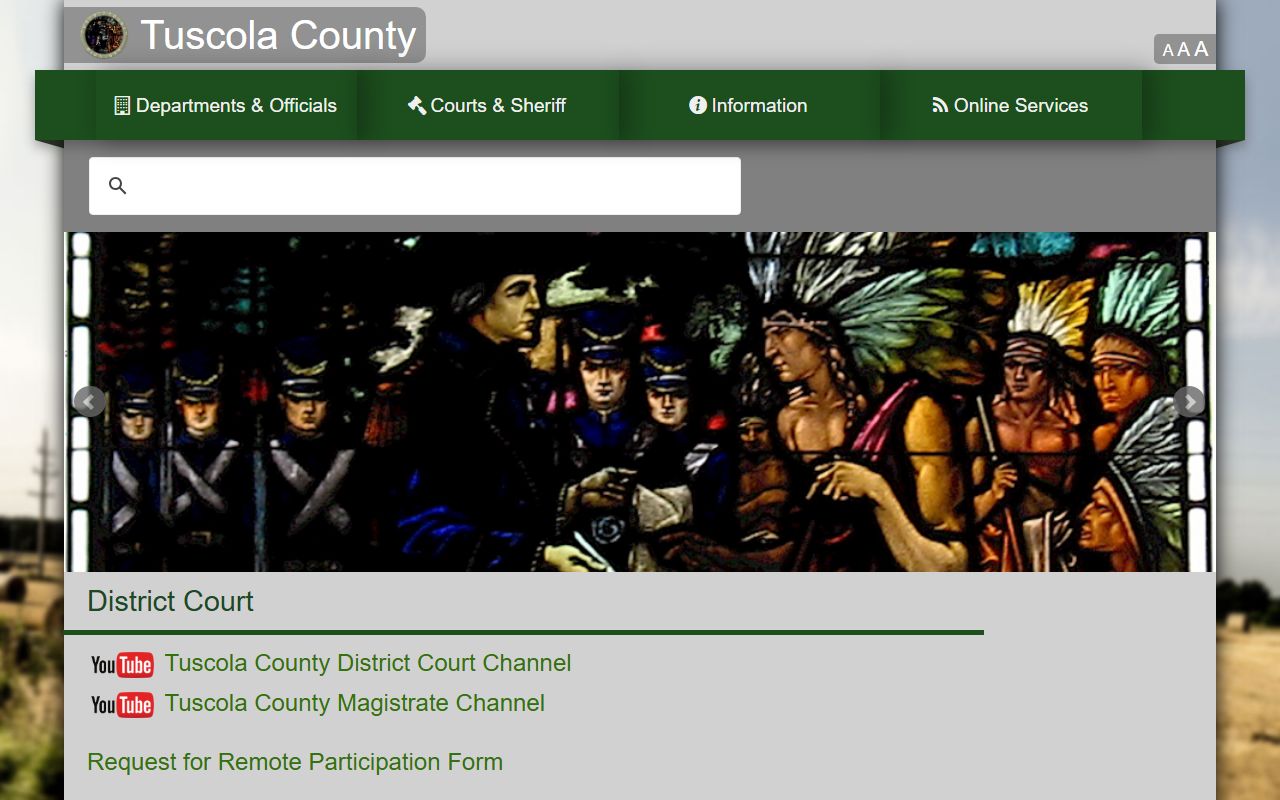
The page confirms the deadlines and channels used to resolve a Tuscola County traffic ticket. These steps keep the process on track.
- Read the ticket and decide whether it is a civil infraction, a payable misdemeanor, or a misdemeanor needing a court appearance.
- For a civil infraction, contact the court within 14 days of the violation date for the amount due.
- Use the CLEMIS link if a listed agency issued the ticket and it is payable before the due date.
- Pay in person, by mail, or through GPS online or phone, and keep proof of payment.
- To contest, contact the 71B District Court or magistrate and request the correct hearing.
- For license points and suspensions, use the Secretary of State rather than the court.
Fee Schedule for Tuscola County Traffic Tickets
The 71B District Court publishes common civil-infraction fines. Amounts depend on the violation, and several tickets can be reduced or waived if a driver acts within 14 days. No-proof-of-insurance tickets drop from $135 to $25 when valid proof for the offense date is shown in time. Defective-equipment and registration tickets can be waived when the problem is fixed and documented within the deadline.
The table lists frequently issued fines. For any violation not listed, the court directs drivers to call the Magistrate's Office at 989-672-3790.
| Violation | Fine |
|---|---|
| Speeding 1-5 over | $100 |
| Speeding 6-10 over | $122 |
| Speeding 11-15 over | $132 |
| Violation of basic speed law | $122 |
| Disobey traffic signal | $110 |
| Fail to yield or stop | $122 |
| Seat belt violation | $65 |
| Child restraint violation | $91 |
| Careless driving | $185 |
| Parking ticket | $90 |
| Defective equipment | $106 (waived if repaired within 14 days) |
| No proof of registration | $117 (waived with valid registration) |
| No proof of insurance | $135 (reduced to $25 with proof) |
Public Access Laws for Traffic Court Records
Michigan court records are public unless a rule, statute, or order limits them. Traffic case files sit in the district court system and follow Michigan Court Rules on record access. Administrative records held by county offices, rather than the court file itself, are reached through the Freedom of Information Act.
Key Statutes:
MCL 15.231 - sets the policy that people are entitled to information about government so they can take part in it.
MCR 8.119 - governs how Michigan trial courts keep records and control public access to case files.
Court Traffic Records vs State Driver Records
The court file and the driving record are two different documents. The 71B District Court holds the case record, which shows the citation, the charge, the hearing, the plea or responsibility finding, and the fines and costs. It does not show a full license history or point total.
The Michigan Secretary of State holds the driving record. It reflects traffic convictions reported by courts, license status and actions, points, and suspensions. The driving record is built from branch offices, courts, police agencies, and other states, so it pulls together information the court file alone cannot provide.
The Secretary of State driving-record page explains how to buy a copy online, by mail, or at an office.
The Secretary of State driving-record page describes the purchase and certification options.
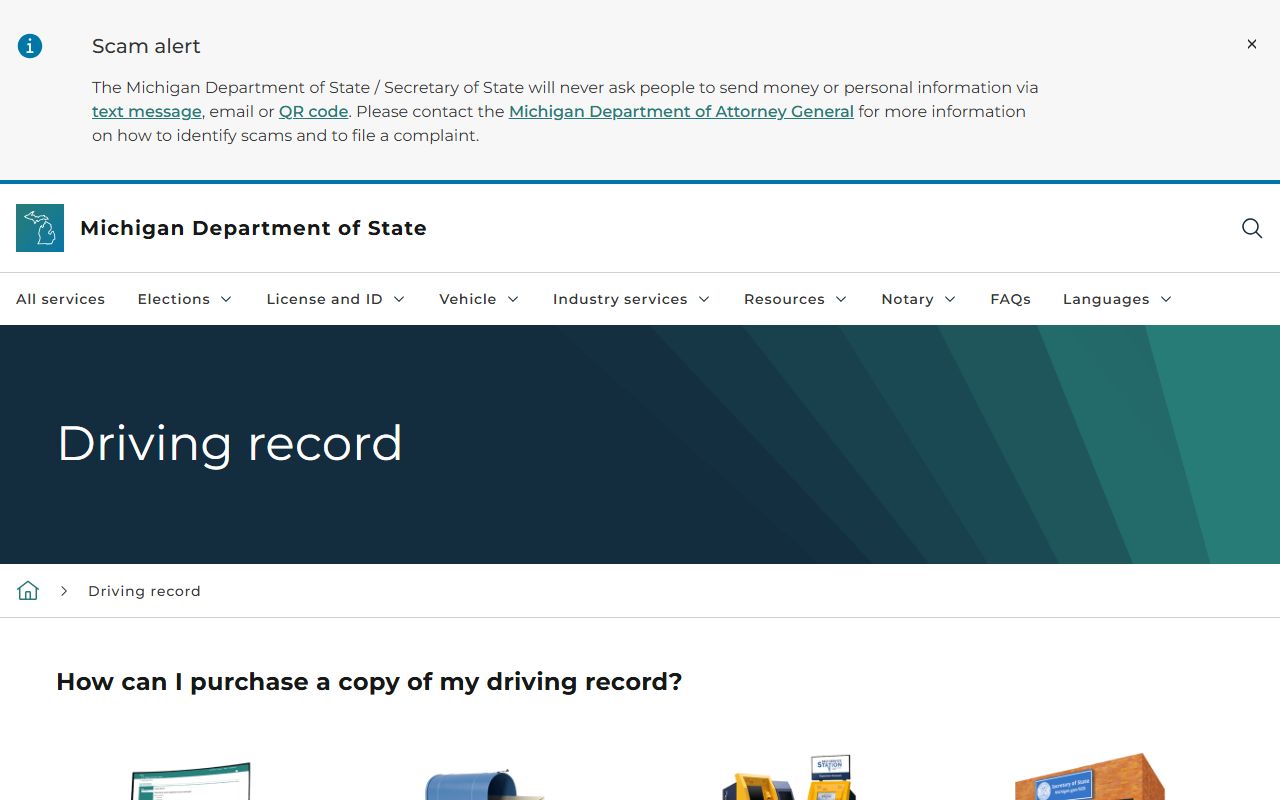
That state record is the right place for points and license questions, while the court file answers case and payment questions. The comparison below sets them side by side.
| Point | Court Traffic Record | State Driver Record |
|---|---|---|
| Source | 71B District Court and MiCOURT | Michigan Secretary of State |
| What it shows | Citation, charge, hearing, plea, fines and costs, disposition | Convictions, license status, points, and suspensions |
| Where to access | MiCOURT or the district court counter | SOS online, by mail, or at a branch office |
| How to correct | Ask the court to fix the case entry | Get a corrected abstract from the court and send it to the SOS Driver Record unit |
CDL and Commercial Driver Records
Commercial drivers face stricter treatment. A ticket that seems minor for a regular license can threaten a commercial driving livelihood. Federal rules require courts to report commercial-driver convictions, and many violations cannot be masked or kept off the record.
Because a conviction can affect a CDL and future employment, commercial drivers should confirm how a Tuscola County citation will be reported before paying it. The 71B District Court magistrate can explain the hearing options, and the Secretary of State handles the license side of any commercial-driver consequence.
Tuscola County DUI and DWI Cases
Drunk and drugged driving cases are not routine traffic tickets. They are criminal matters that begin in the 71B District Court and, for felony levels, move to the 54th Circuit Court. These cases can involve arraignment, bond, and possible jail, so they follow the criminal process rather than the civil-infraction path.
For full Tuscola County DUI and DWI case information, see the Tuscola County criminal court records page.
Traffic Points and the Secretary of State
The 71B District Court is clear that points are the business of the Secretary of State. Points attach to a conviction, not to the court file, and they follow the driver on the state record. Drivers who want to know how a violation affects their license or insurance should contact a local Secretary of State branch office.
The driving record also lists suspensions and license actions that the court file does not carry. To review points, order a copy of the Michigan driving record online with a MiLogin account, by mail, or at a branch, where the copy is certified for court or employer use.
Sealing or Expunging Tuscola County Traffic Records
Michigan's set-aside process is limited when it comes to traffic offenses. The general set-aside law lets eligible adult convictions be cleared, but traffic matters carry special restrictions. Many civil infractions are not criminal convictions at all and are handled differently from the start.
The traffic-related limits fall under MCL 780.621c, which affects what remains visible and which offenses qualify. Because eligibility is narrow and depends on the exact offense and history, anyone seeking to clear a record should confirm the charge and disposition with the court before filing. Certified case details from the 71B District Court help avoid errors in that process.